Meta Quest (2/3/Pro)
Install
The app is currently only available to ZeroLight partners. To become one, get in touch here.
- Your account manager will send you an App URL
- In any browser, log into your Meta account and click the link, it will open the page below
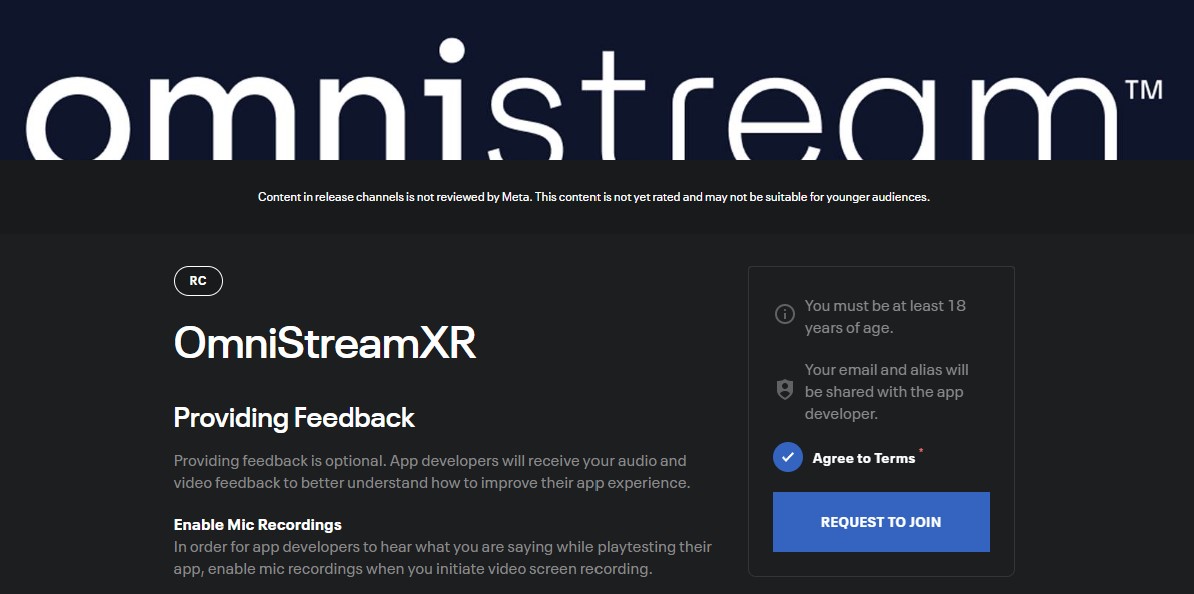
- Click Request to Join
- Once accepted you will receive the email below
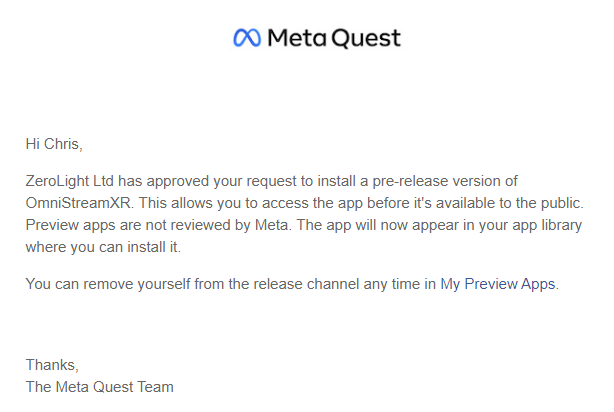
- This will add you to the deployment channel for the app
- Sign into your headset with the same account
- In the App library you will see the OmnistreamXR app
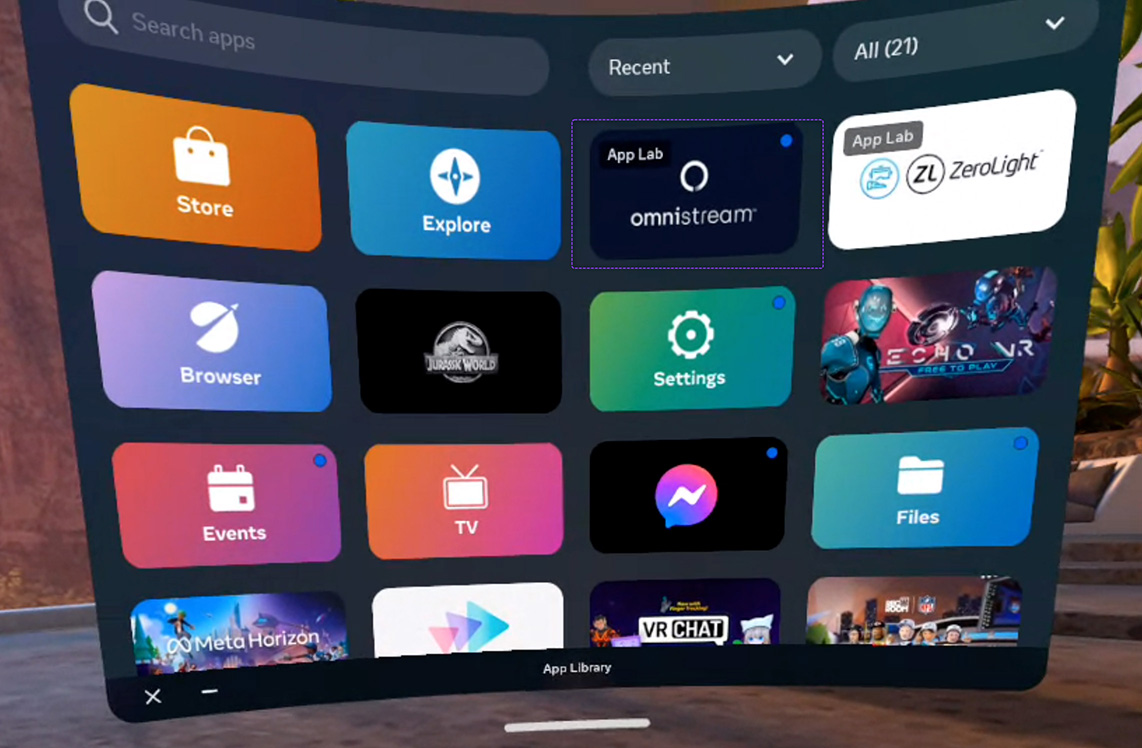
- Click to install then run
Connect
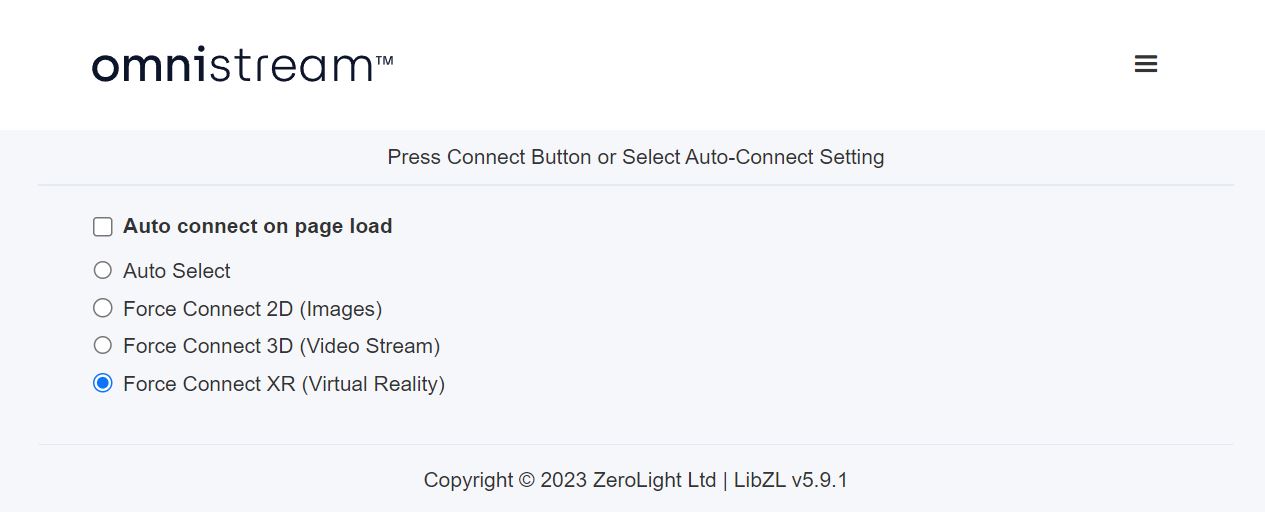
- Using the test page select Connect to XR
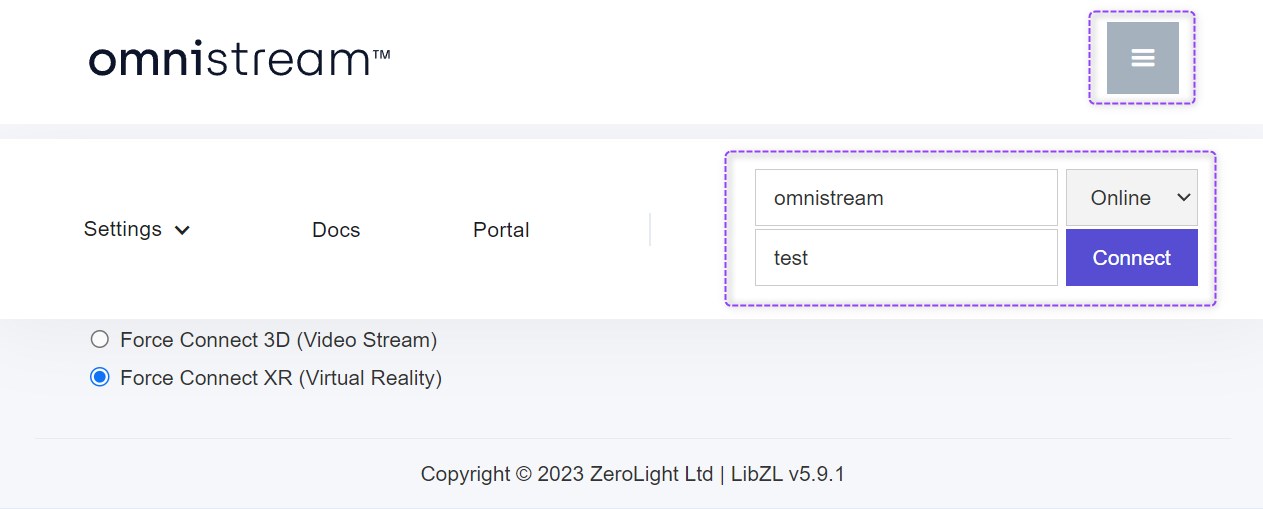
- Enter your customer and render service details
- Then press Connect to start the CloudXR connection.
App Features
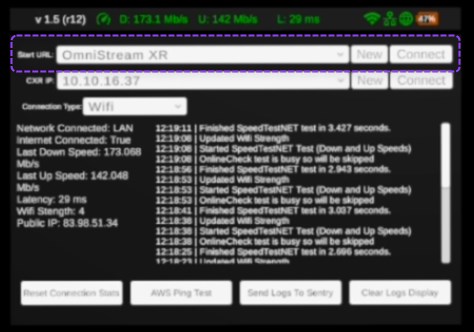
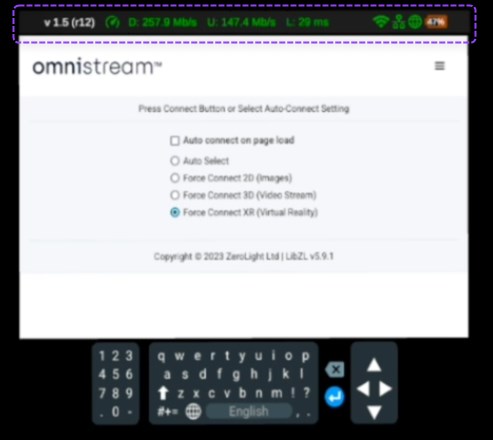
The top bar highlights the app version, connection speeds and battery life.
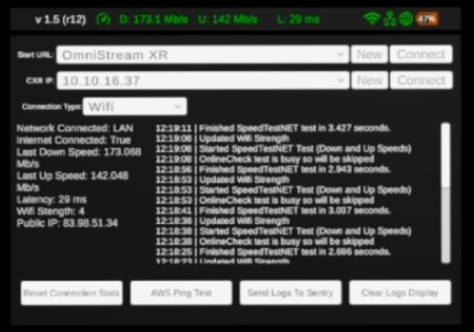
Pressing the joystick in on the right controller will display the debug admin panel.
Connect to your custom page
To connect to a custom page change the URL in the start address, this will be remembered as the default page for the next time the app is launched.